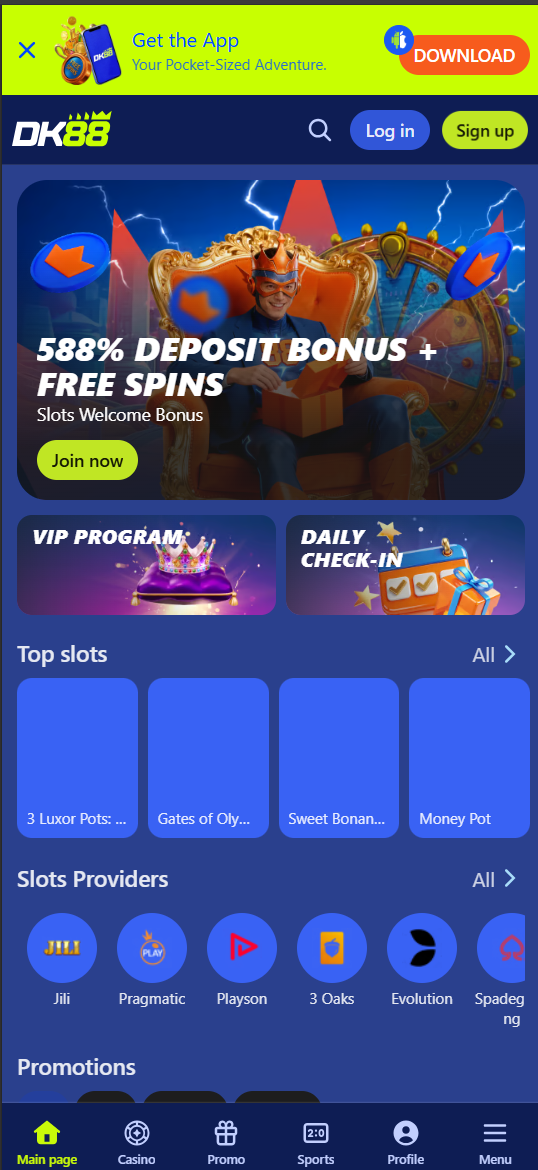
Dashking88 (DK88) puts its full casino and sportsbook catalogue into a dedicated Android app — "Your Pocket-Sized Adventure," as the in-app download banner puts it. Download and install the APK below, see what the app includes, and play instantly — or use the mobile browser alternative on other devices.
How to Download the DK88 App
| Step | Action |
|---|---|
| 1 | Tap the "Get the App" banner or "DOWNLOAD" button on the DK88 site |
| 2 | Allow downloads from your browser if prompted |
| 3 | Open the downloaded APK file |
| 4 | Enable "Install unknown apps" for your browser if Android requests it |
| 5 | Tap Install and wait for the process to complete |
| 6 | Open the app and log in or sign up |
What's Inside the DK88 App
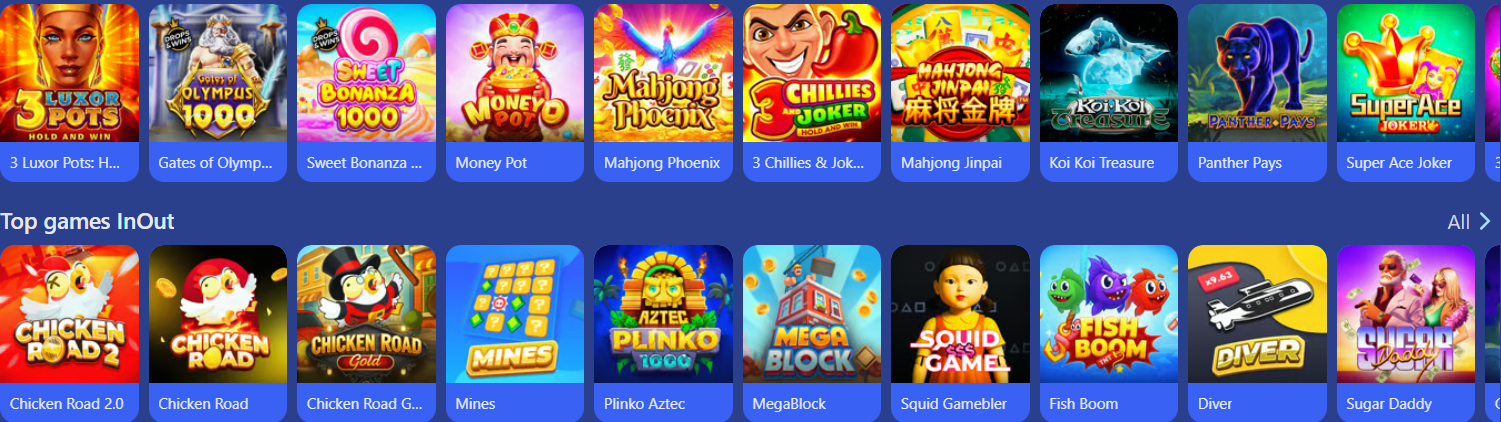
- Full slots library — 2,000+ titles from Jili, Pragmatic Play, and more
- Live casino floor with 150+ tables
- Sportsbook covering football, cricket, esports, tennis, and more
- Daily Check-In, Wheel of Fortune, and reload/rebate bonuses
- Account management, deposits, and withdrawals
- Push notifications for promotions and live odds
Android vs Mobile Browser
| Feature | Android App | Mobile Browser |
|---|---|---|
| Installation | APK download required | No installation needed |
| Performance | Optimised, app-native feel | Fully responsive, slightly lighter |
| Notifications | Push notifications supported | Not available |
| Game Library | Full catalogue | Full catalogue |
| iOS Support | Not available as native app | Fully supported via Safari |
System Requirements
- Android 6.0 or later
- Minimum 100 MB free storage
- Stable Wi-Fi or 4G/5G connection
- Browser permission to install apps from unknown sources
Troubleshooting Installation
- "App not installed" error: Make sure you downloaded the latest APK and have enough storage space.
- "Install blocked" warning: Enable "Install unknown apps" for your browser in Android Settings.
- App won't open: Restart your device and try again, or reinstall the APK.
- Slow loading: Switch to a stronger Wi-Fi connection or clear app cache.
Why Play Through the App Instead of the Browser
While the mobile browser carries the full DK88 catalogue, the dedicated Android app offers a noticeably smoother experience for daily players. Game assets load from local storage after the first session, so slots and the InOut crash games open faster on repeat visits. Push notifications surface time-sensitive promotions — a reload bonus window, a live odds boost on a major match, or a reminder that your Daily Check-In streak is about to reset — that you would otherwise only see by opening the browser and checking the Promo tab manually. The app also keeps a persistent bottom navigation bar with Main Page, Casino, Promo, Sports, and Profile always one tap away, which matters during fast-moving events like a live FIFA World Cup match or a Wheel of Fortune spin window.
Keeping the DK88 App Updated
Because the app is distributed as a direct APK rather than through the Google Play Store, updates are not automatic. DK88 typically prompts you in-app when a new version is available, with a short changelog covering new games, performance fixes, or new promotions. To update, download the latest APK from the official "Get the App" banner the same way you installed it originally, then install over your existing app — your account, balance, and session remain intact since updating does not log you out or affect your wallet.
FAQ
Is there a DK88 app for iOS?
DK88 does not currently offer a native iOS app. iOS users get the full game and sportsbook catalogue through the mobile browser at full functionality.
Is the DK88 APK safe to install?
Only download the APK directly from the official DK88 site's "Get the App" banner. Avoid third-party APK mirrors, which may be unsafe.
Do I need to enable unknown sources to install the DK88 app?
Yes, because the app is distributed outside the Google Play Store, Android requires you to allow installation from your browser the first time.
Does the DK88 app include the sportsbook?
Yes, the app includes the full sportsbook alongside slots and live casino, all under one account.
How much storage does the DK88 app need?
The app requires roughly 100 MB of free storage for installation, plus additional space for cached game assets.
Can I claim the welcome bonus through the app?
Yes, you can register and claim the 588% slots welcome bonus directly from the app, the same as on the website.